Tropicats Not Working? Check Your Connection
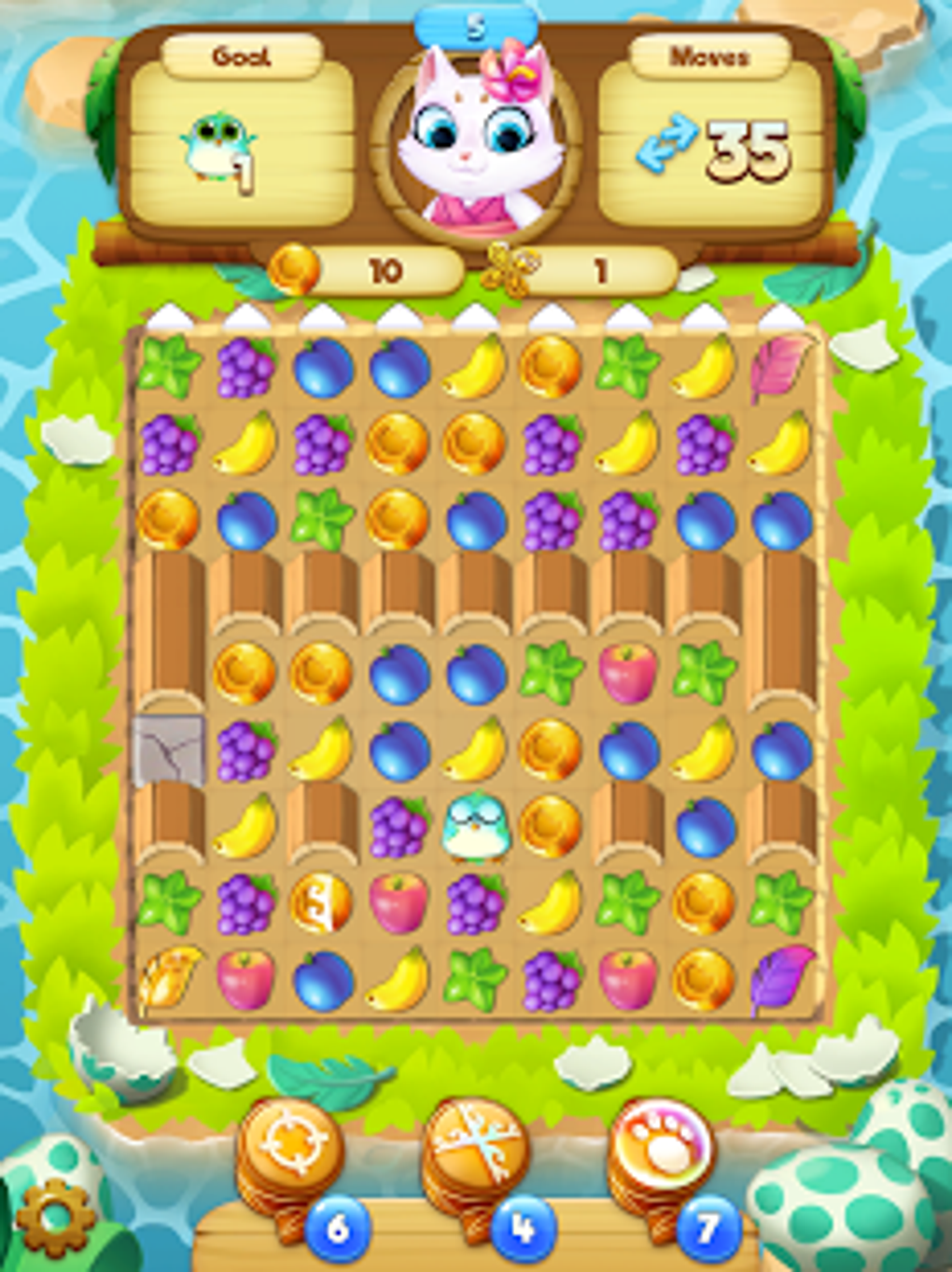
Tropicats combines match-three puzzles with island building and decoration. Its Google Play description says an internet connection may be required to play and access social features. If the game does not load or certain connected features fail, start by checking your network.
Check the Internet Connection
- Open another app or website to test your connection.
- Switch from Wi-Fi to mobile data, or the other way around.
- Restart your router if other devices also have connection problems.
- Close Tropicats and open it again.
These checks are useful when online features fail. They do not confirm that Tropicats is experiencing a current server outage.
Update the Game and Android
Open Google Play and check whether an update is available for Tropicats. Also check for Android system updates. An outdated app or operating system can cause compatibility problems with Android apps.
If the game opens but becomes unresponsive, restart your phone and close other apps before launching it again.
Contact Tropicats Support
The Google Play listing provides a support link for Tropicats. If the issue continues, use the support option and explain whether the problem affects startup, puzzle loading, or social features.
Include your device model, Android version, and game version. Do not clear app data or reinstall until you have considered whether your progress is backed up.
FAQ
Does Tropicats need an internet connection?
The Google Play description says an internet connection may be required for gameplay and social features.
What should I do if Tropicats will not load?
Test your connection, restart the app and device, and check for an available game update.
Find more Android game information at androidgameguides.com.