Call of War 1942 Not Working? Check the Server Connection
Supremacy: Call of War 1942 is a real-time multiplayer strategy game. Its matches involve other players and units that move in real time, so a connection problem can prevent maps or game sessions from working correctly.
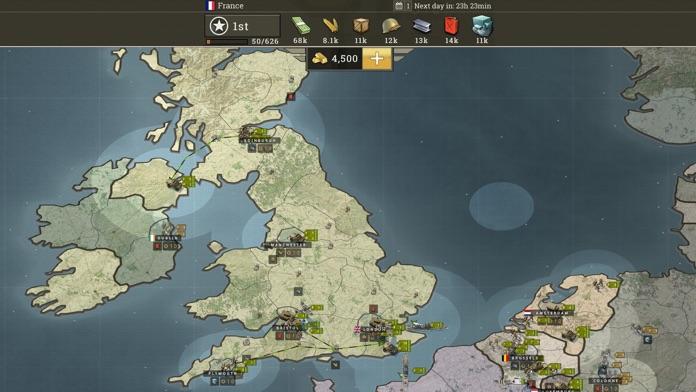
Check Whether the Problem Is Server-Side
In August 2026, the Call of War forum reported a server issue following a release. The team said it had rolled back the changes that caused the problem and that maps should load and run normally afterward.
This was a reported incident, not proof that the same server issue is happening now. If a map suddenly stops loading, check the official forum for a current service announcement before changing your device settings.
Try These Android Checks
- Switch between Wi-Fi and mobile data to test the connection.
- Restart the game and try opening the map again.
- Restart your phone or tablet.
- Check Google Play for an available update.
- Install pending Android system updates.
These are general Android troubleshooting steps. They do not establish that a particular Call of War error has a device-side cause.
When the Map Still Will Not Load
Record the time of the problem, the affected map, and any error message. Check whether other online apps work on the same connection. If the issue continues, use the game’s official support channels and provide these details.
FAQ
Why is my Call of War map not loading?
A connection or server-side issue may be involved. Check official service announcements before reinstalling the game.
Is Call of War an offline game?
No. Its Google Play description identifies it as a real-time multiplayer strategy game involving other players.
For more Android gaming guides, visit androidgameguides.com.