Pocket Family Tips and Tricks: How to Earn Stars, Complete Puzzles, and Decorate Faster
Pocket Family: My Dream House by Kooapps combines home decoration with match-3 collapse puzzles and requests from an animated virtual family. Players complete puzzle activities to obtain resources and help their family improve an inherited home. These Pocket Family tips and tricks focus on making puzzle progress more useful, organizing home improvements, and getting more out of the decorating system.
1. Connect Puzzle Progress With Family Requests
One of the most important parts of Pocket Family is the connection between puzzle activities and home development.
Family members make requests for household items, and completing puzzle activities helps you obtain the resources needed to fulfill those requests.
Before playing another puzzle, check which household improvements or family requests are currently available. This helps you understand what your next puzzle progress will contribute toward.
2. Focus on Completing Match-3 Collapse Puzzles
Pocket Family uses a match-3 collapse puzzle mechanic rather than a conventional restaurant or life-simulation management system.
When playing these puzzles, pay attention to groups of matching blocks and the available moves. Clearing suitable groups can help you progress through the puzzle objectives and earn the resources needed for home improvements.
- Look for larger matching groups before making a move.
- Consider how removing one group changes the remaining board.
- Pay attention to the puzzle’s current objective.
- Avoid making moves without considering their effect on the remaining blocks.
3. Use Stars for Home Improvements
Stars are important for progressing through home renovation activities. They help you complete tasks connected to restoring and improving the house.
When deciding what to do next, review the available renovation tasks and focus on the improvements you want to complete.
Rather than treating puzzle completion as the only objective, remember that the resources earned through puzzles are connected to the wider home-building experience.
4. Use Coins With a Clear Purpose
Pocket Family also uses coins as part of its progression system. Coins can be used for additional game-related purchases, including boosts or lives according to the game’s progression mechanics.
Before spending coins, consider whether the purchase will help with your current puzzle or progression goal.
Using coins selectively can be more useful than spending them immediately whenever an optional purchase becomes available.
5. Complete Room Improvements Step by Step
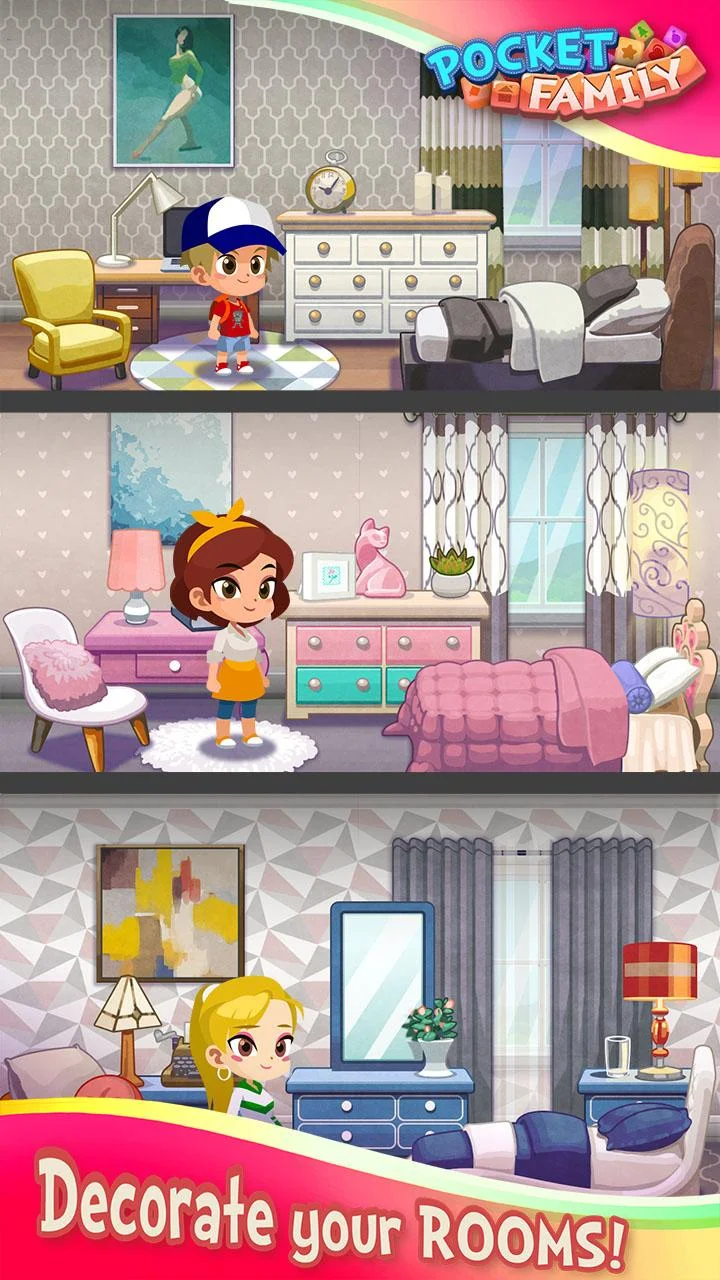
The home decoration system allows you to customize rooms with different furnishings, wallpapers, flooring, and interactive decorations.
As you progress, focus on the rooms and renovation tasks currently available rather than trying to change everything at once.
Completing individual improvements gradually allows you to see how the house develops while keeping your progress connected to the family’s requests.
6. Pay Attention to Your Virtual Family
The characters are more than decorative additions to the house. Family members have different personalities and requests that contribute to the game’s progression.
Check their requests regularly and use them as a guide for deciding which household improvements to prioritize.
Some characters have their own activities and interests, so completing their requests helps make the family side of the game more engaging.
7. Explore the Social Features
Pocket Family also includes a social element that allows players to interact with friends’ families through gifts.
Sending gifts can provide opportunities for additional characters to move into your home. If you enjoy the social side of the game, explore these features rather than focusing only on puzzles and room decoration.
Pocket Family Tips and Tricks: Final Thoughts
Making progress in Pocket Family is easier when you understand how puzzles, stars, coins, family requests, and room decoration work together. Focus on useful puzzle moves, complete renovation tasks gradually, and check what your virtual family needs before deciding how to spend your resources.
For more Android game guides, tips, and tutorials, visit Android Game Guides.