Malody V Review: Rhythm Modes, Custom Charts, and Multiplayer
Malody V is a cross-platform rhythm game designed for players who enjoy music-based challenges and custom charts. Instead of focusing on one type of rhythm gameplay, it offers several modes with different input styles. This makes it a flexible option for players who want more variety from a music game.
Seven Rhythm Modes in One Game
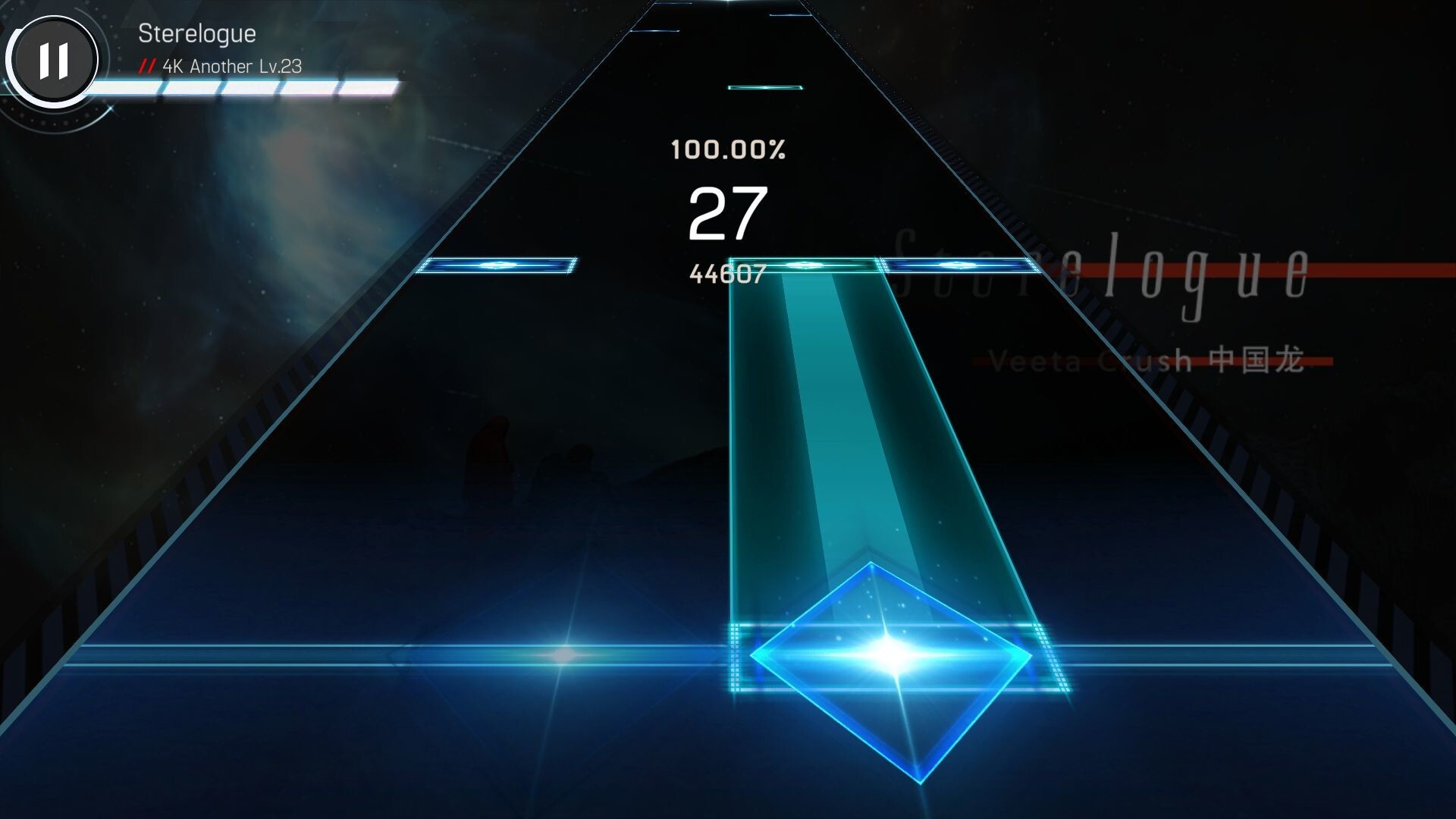
One of Malody V’s main strengths is its selection of gameplay modes. The game supports Key, Catch, Pad, Taiko, Ring, Slide, and Live. Each mode offers a different way to interact with music, giving players more options than a traditional keyboard-style rhythm game.
Players can choose a mode that matches their preferred input style. Those who enjoy keyboard-based patterns can explore Key mode, while other modes provide different rhythm challenges.
Custom Charts and Music Editing
Malody V includes an in-game chart editor. Players can use it to create their own rhythm charts and share their work with other users. This feature gives the game value beyond its built-in music content.
Another useful feature is its support for several chart formats, including osu, sm, bms, pms, mc, and tja. This compatibility is particularly relevant to players who already have experience with other rhythm games.
- In-game chart creation and sharing.
- Support for multiple chart formats.
- Full keysound chart support.
- Custom skin support, currently marked as a work in progress.
- Gameplay recording and different play effects.
Online Rankings and Multiplayer
Malody V also includes online rankings and multiplayer rooms. Players can compare their performance through rankings or play with friends in supported modes. Private server support is another option listed in the official game description.
These features give rhythm players additional reasons to return after completing individual charts. The experience is not limited to improving personal scores.
What Players Should Consider
Malody V has a broad feature set, but the transition from the original Malody may require some adjustment. Player feedback on Google Play mentions issues involving note timing and the process of accessing or downloading charts through a store server host.
Players who use Bluetooth headphones should also pay attention to audio latency. Rhythm games depend heavily on accurate timing, so suitable offset settings can make a noticeable difference.
Is Malody V Worth Trying?
Malody V is worth considering for players who want multiple rhythm modes, chart creation tools, and online competition in one application. Its strongest feature is flexibility rather than a single gameplay style.
However, players who prefer a simple music game with minimal setup may need time to understand its chart management and timing options. For more Android rhythm game reviews and guides, visit Android Game Guides.
Frequently Asked Questions
What modes are available in Malody V?
Malody V supports Key, Catch, Pad, Taiko, Ring, Slide, and Live modes.
Can players create custom charts?
Yes. The game includes an editor for creating and sharing custom rhythm charts.
Does Malody V support multiplayer?
Yes. Players can join multiplayer rooms and compete through online rankings.
Which chart formats does Malody V support?
Listed formats include osu, sm, bms, pms, mc, and tja.