Underwatermelon Not Working on Android?
Netflix Games has documented two specific problems for Underwatermelon: a black screen after selecting a Netflix profile and repeated crashes with error 0x05. These are official known issues, so the recommended workarounds are more useful than guessing at unrelated device settings.
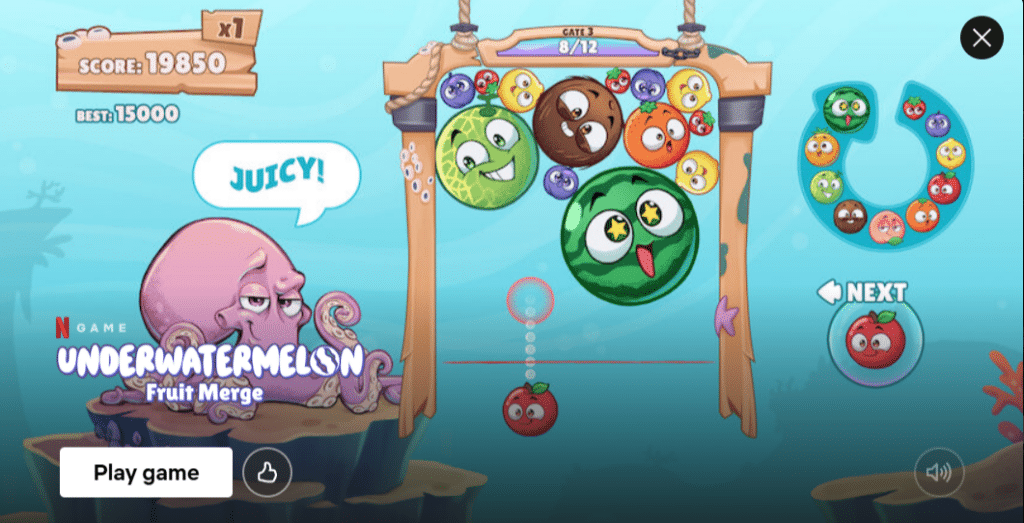
Fix the Black Screen
Netflix says the black screen may appear after launching the game and selecting a Netflix profile. Its suggested workaround is to force-close the game and reopen it a few times.
If the screen remains black, restart the Android device. Reinstalling the game is another workaround listed by Netflix.
Fix Error 0x05 and Repeated Crashes
For repeated crashes with error 0x05, Netflix recommends reinstalling the game. If the error continues after reinstalling, contact Netflix Player Support through its Help Center.
Before reinstalling, make sure you can access the Netflix account used to play the game.
Check General Android Performance
- Install the official version from Google Play.
- Update Android if an update is available.
- Free up device storage.
- Close apps running in the background.
- Restart the device before launching the game again.
Netflix lists these steps as general performance tips for Android games.
FAQ
How do I fix the Underwatermelon black screen?
Force-close and reopen the game several times. If needed, restart the device or reinstall the game.
What does error 0x05 mean?
Netflix lists it as a known crash issue and recommends reinstalling the game. Contact Player Support if it continues.
For more Android game information, visit androidgameguides.com.