How to Unlock Stickers in Unpacking
Unpacking is a puzzle game about taking belongings out of boxes and arranging them in different living spaces.
Besides completing the main levels, players can unlock stickers by performing specific actions during gameplay. These stickers can be used in the game’s camera feature.
1. Unlock the Camera Feature
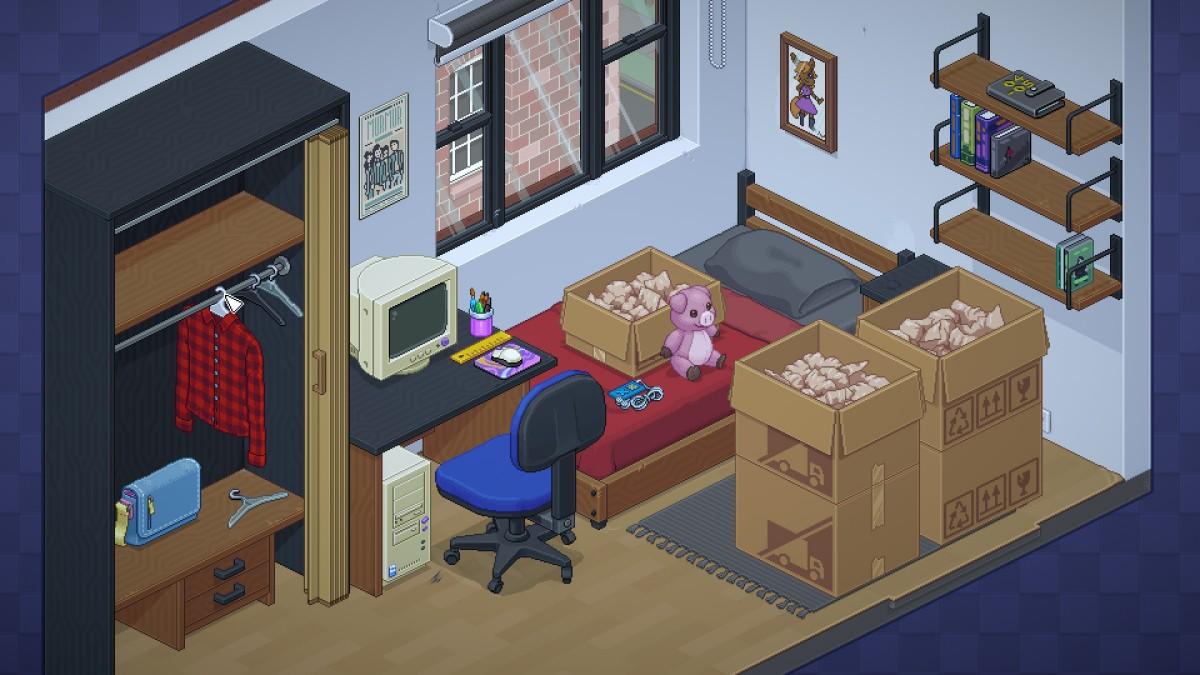
The sticker system is connected to the in-game camera.
According to the community-maintained sticker reference, placing the camera anywhere after unpacking it unlocks the sticker page.
Some stickers can be unlocked before the camera becomes available, but their unlock animations may not appear until you have unpacked the camera.
2. Complete Levels
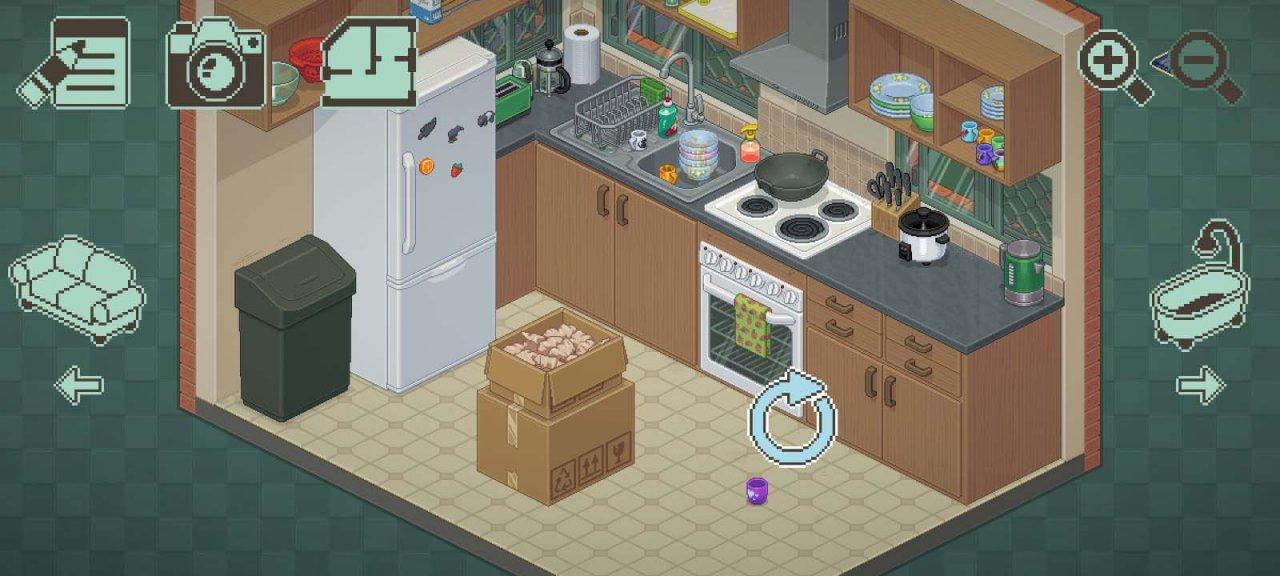
Several stickers are unlocked simply by completing levels.
Examples include:
- Beginning: Complete a level.
- Independence: Complete the relevant level.
- Get Smart: Complete the 2004 level.
- Fellowship: Complete the 2007 level.
- Love: Complete the 2015 level.
These rewards are connected to story progression rather than purchasing items.
3. Complete Special Actions
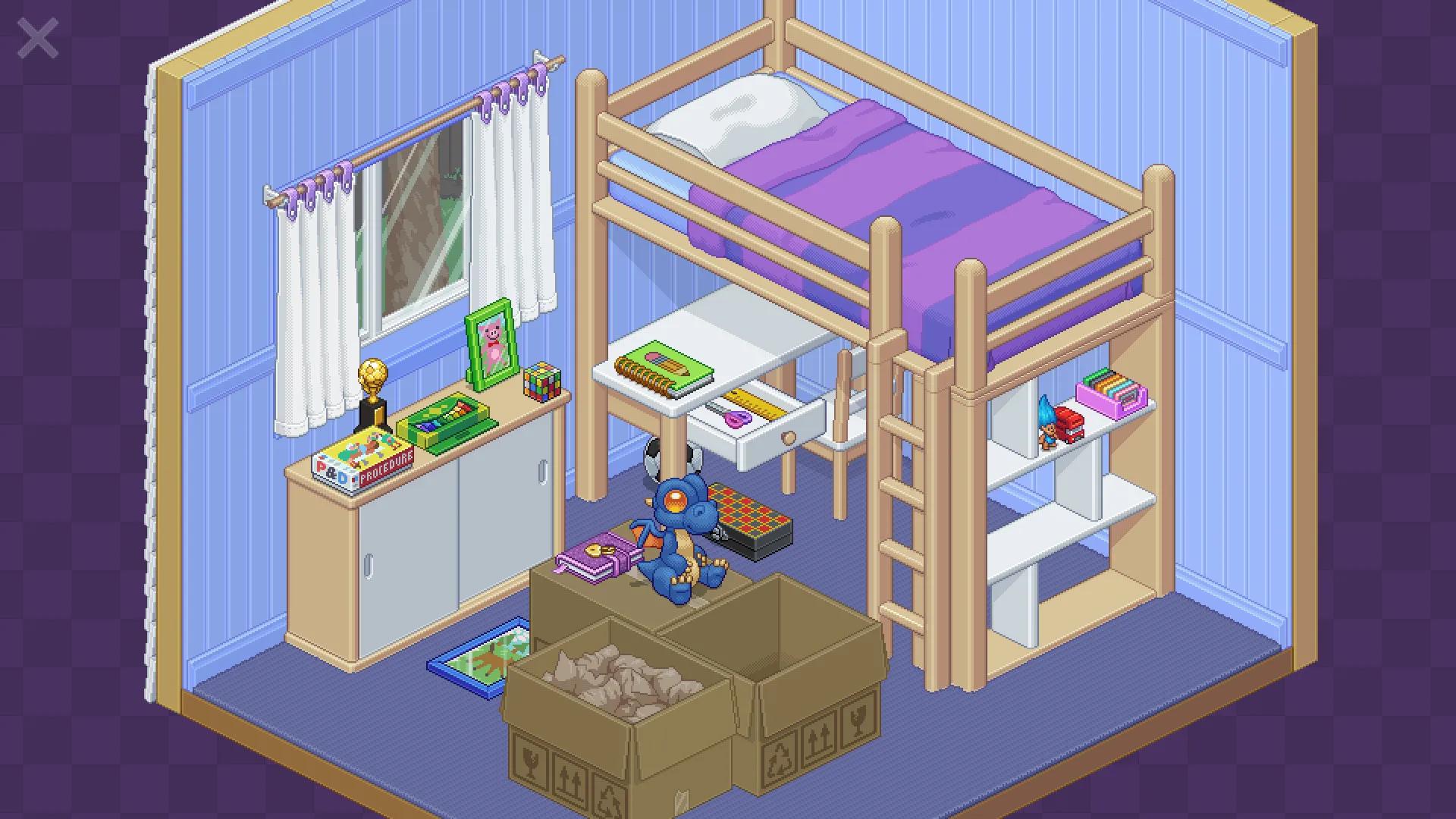
Other stickers require specific interactions with objects.
Here are some documented examples:
- Blast Some Tunes: Turn on a music player.
- Electrical Hazard: Put an electronic item in a bathtub or shower.
- Green Thumb: Place every plant in the relevant level.
- Solve a Puzzle: Solve the Rubik’s Cube.
- Baby Builder: Build a tower using baby blocks.
Some actions are only possible in particular years or rooms, so check which level contains the required objects.
4. Check the Sticker Collection
There are 27 stickers in the community reference.
If you are missing a sticker, look at its specific unlock condition rather than repeating completed levels without a plan.
Some stickers require unusual object placement, so experiment with the objects available in the relevant room.
Final Thoughts
Unlocking stickers in Unpacking is mainly about completing levels and discovering special interactions with household objects. If you want to collect them all, pay attention to small details and try different object arrangements.
For more mobile game guides and tips, visit androidgameguides.com.