
How to Unlock Office Skins in Ultimate Custom Night
Ultimate Custom Night includes unlockable office skins that let players change the appearance of the security office.
If you want to unlock more office skins, you need to earn higher scores by completing nights with different character difficulty settings.
1. Earn Points by Playing Custom Nights
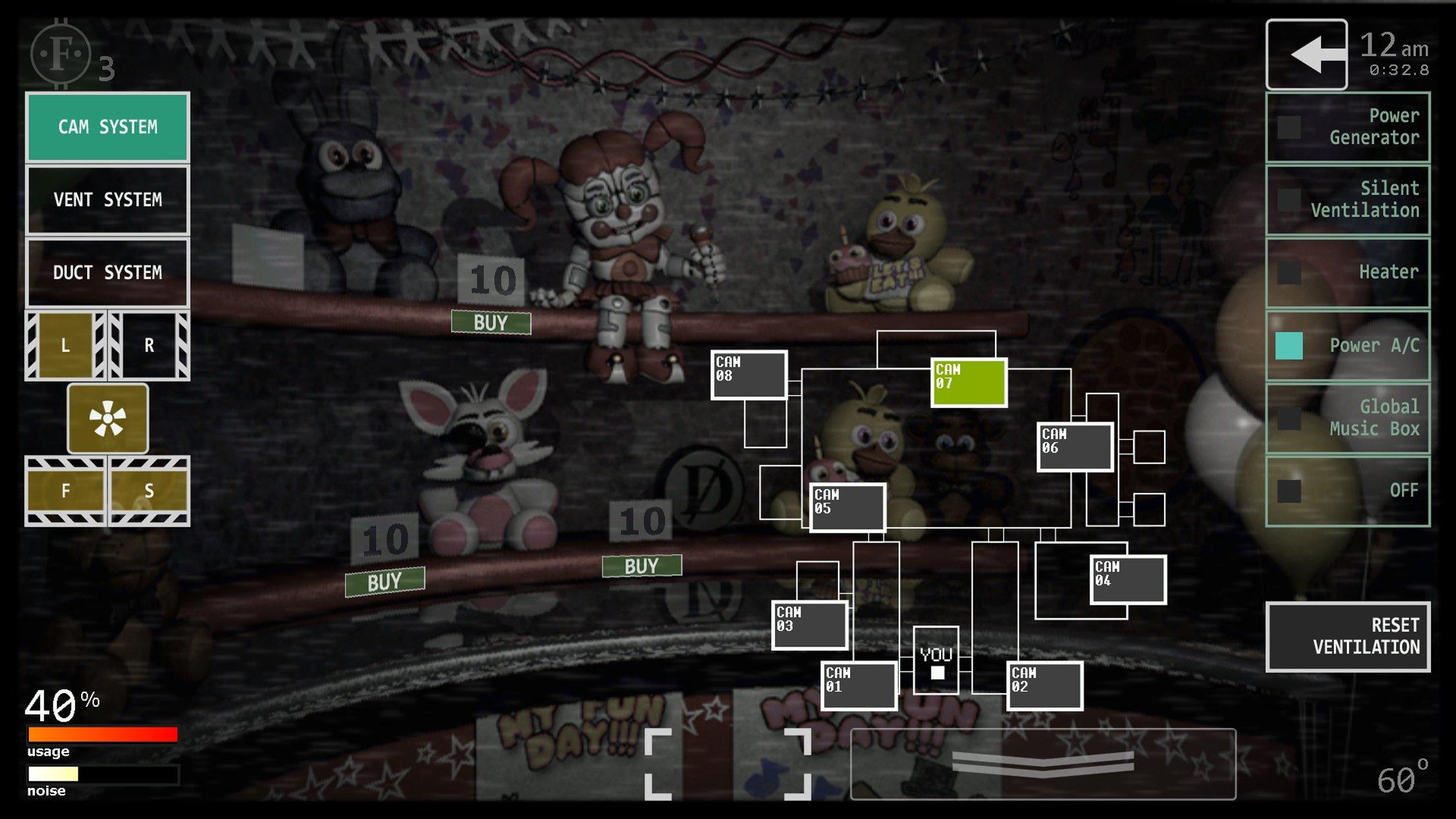
The game allows you to select animatronic characters and adjust their difficulty levels.
Your starting score depends on the difficulty settings you choose. Each difficulty point contributes to your potential score, so selecting more challenging settings can help you reach higher score milestones.
However, increasing difficulty also makes survival more challenging.
2. Reach Office Skin Score Milestones
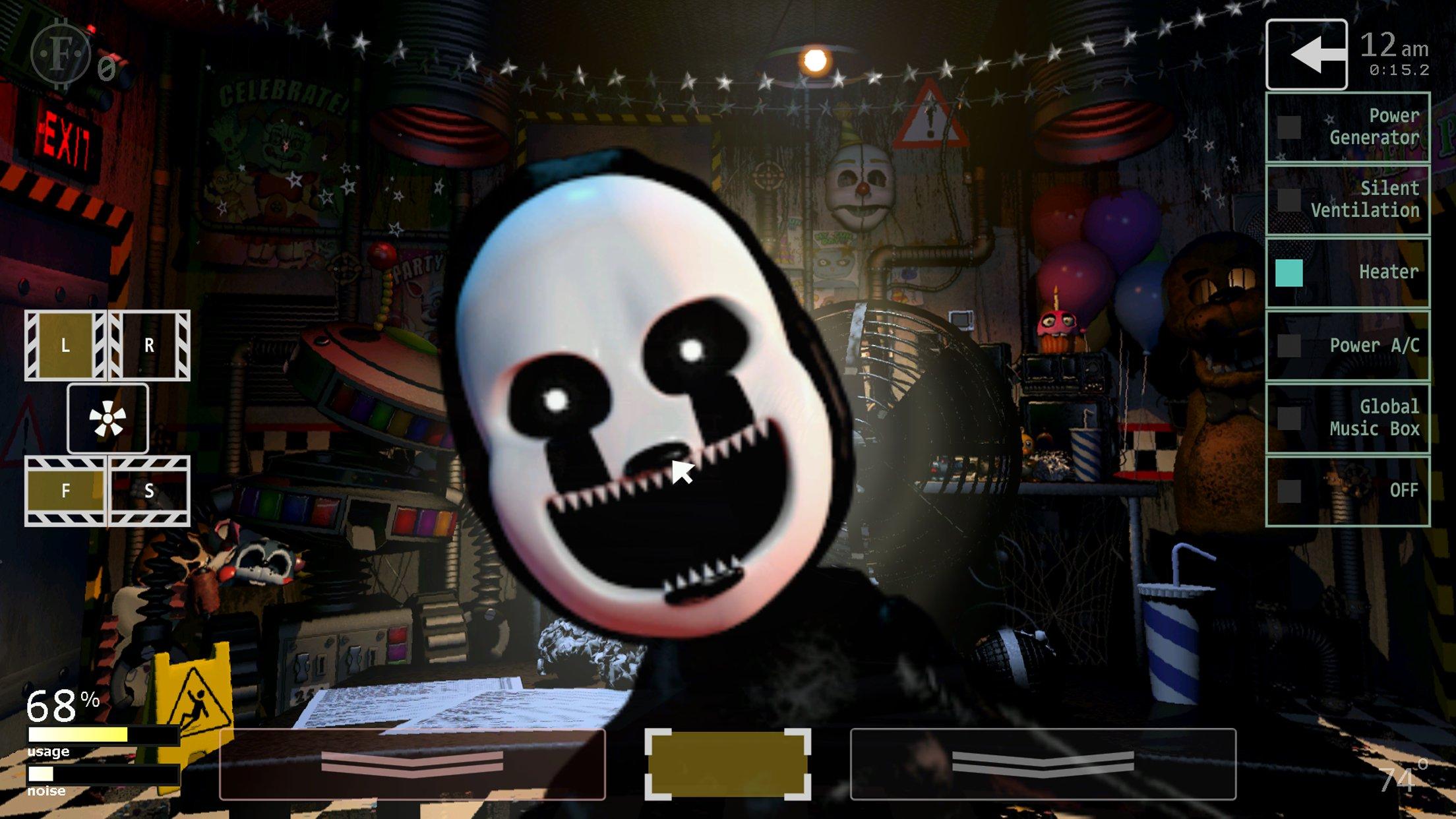
According to the community-maintained Ultimate Custom Night reference, several office appearances are associated with score milestones.
| Office skin | Score requirement |
|---|---|
| Default office | Unlocked from the start |
| Circus Baby’s Entertainment and Rental office | 2,000 |
| Fazbear’s Fright office | 5,000 |
| FNaF 4 Home | 8,000 |
These are documented score thresholds for the listed office skins.
3. Choose Difficulty Settings Carefully
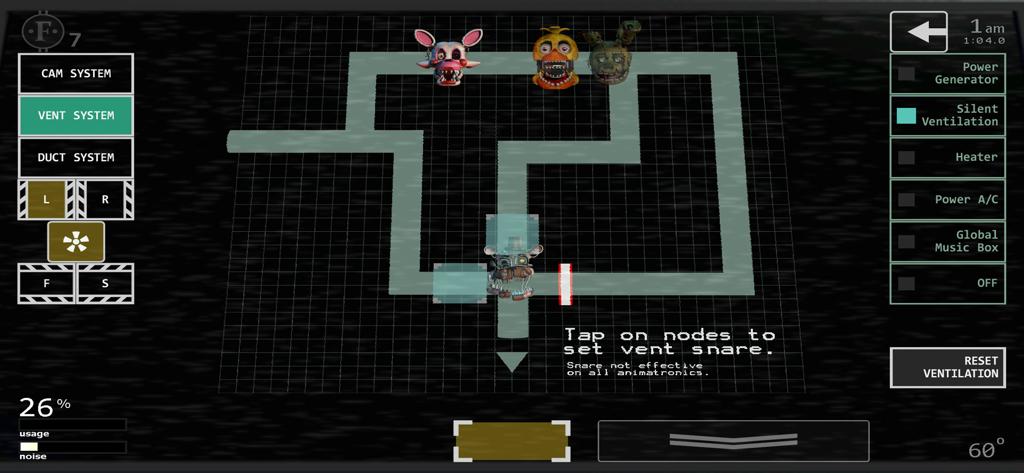
You do not necessarily need to select every animatronic at maximum difficulty to earn points.
A more manageable approach is to choose a combination of characters that you can survive while still working toward the required score.
As you become more familiar with character behavior and office mechanics, you can attempt more difficult combinations.
Final Thoughts
Unlocking office skins in Ultimate Custom Night is tied to reaching score milestones. Focus on building a difficulty setup that allows you to survive while earning enough points for the next appearance.
For more mobile game guides and tips, visit androidgameguides.com.


