How to Unlock Master Hint in Sudoku Quest
Master Hint is a useful assistance feature in Sudoku Quest for players who want help understanding a difficult Sudoku move. Unlike a basic hint that simply fills an empty cell, Master Hint lets you select an empty cell and shows the logic behind a valid move.
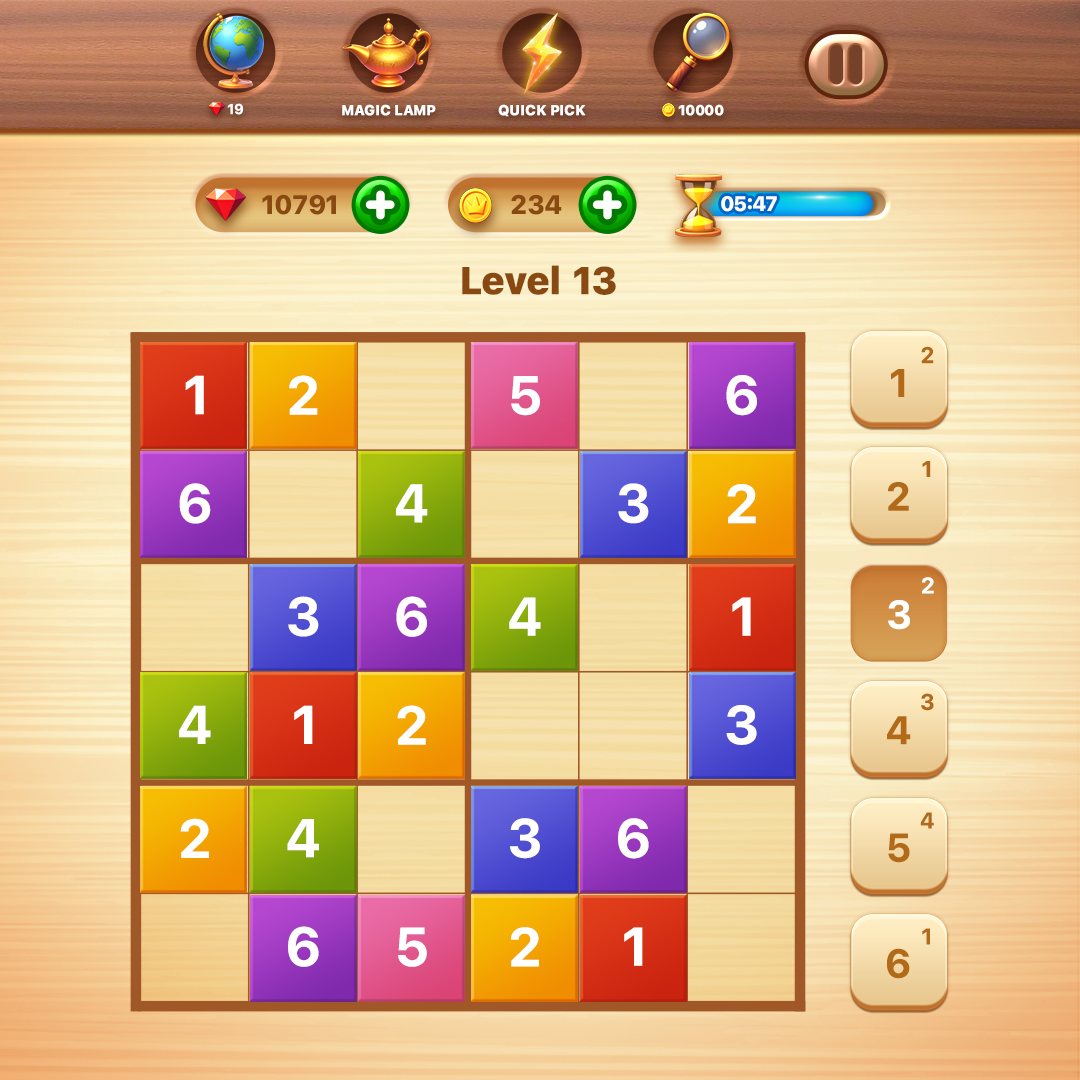
What Is Master Hint?
Sudoku Quest includes a booster system with several types of assistance. The Master Hint booster is designed to help you understand the reasoning behind a move instead of relying entirely on trial and error. It can be especially useful when a puzzle becomes difficult and you cannot immediately identify which number belongs in a particular cell.
How to Get Access to Master Hint
- Open Sudoku Quest: Launch the game and enter a Sudoku puzzle.
- Check the booster options: Look through the available assistance tools and find Master Hint.
- Check its availability: If Master Hint is locked or unavailable, open its in-game information to see whether the game displays an unlock requirement.
- Use the booster when available: Select an empty cell and activate Master Hint to view the logic behind a possible move.
How to Make the Most of Master Hint
Try to identify possible numbers in a row, column, or block before using the booster. If you are still unsure, use Master Hint on an empty cell where several candidates seem possible. Pay attention to the explanation rather than simply copying the suggested number. Understanding why a move works can make similar puzzles easier later.
What If Master Hint Is Still Locked?
The available game information confirms that Master Hint is part of Sudoku Quest’s booster system, but it does not specify one universal level or exact progression requirement for unlocking it. Check the booster information displayed in your current game version instead of relying on an unverified level number. You can also review the game’s other available assistance options while progressing through puzzles.
Final Tips
Master Hint is best used as a learning tool, not as a shortcut for every puzzle. Try solving the easier sections yourself first, then use the explanation when you reach a move you cannot work out. This approach helps you keep improving your Sudoku skills while making use of the game’s assistance system.