How to Complete Training Missions in Military Academy 3D
Training missions are an important part of progressing through Military Academy 3D. The game puts you in the role of a new recruit who joins a military academy and works toward becoming a US Army commander. If you are unsure how to approach its training activities, the most important step is to identify the objective of each activity and complete the actions requested by the game.
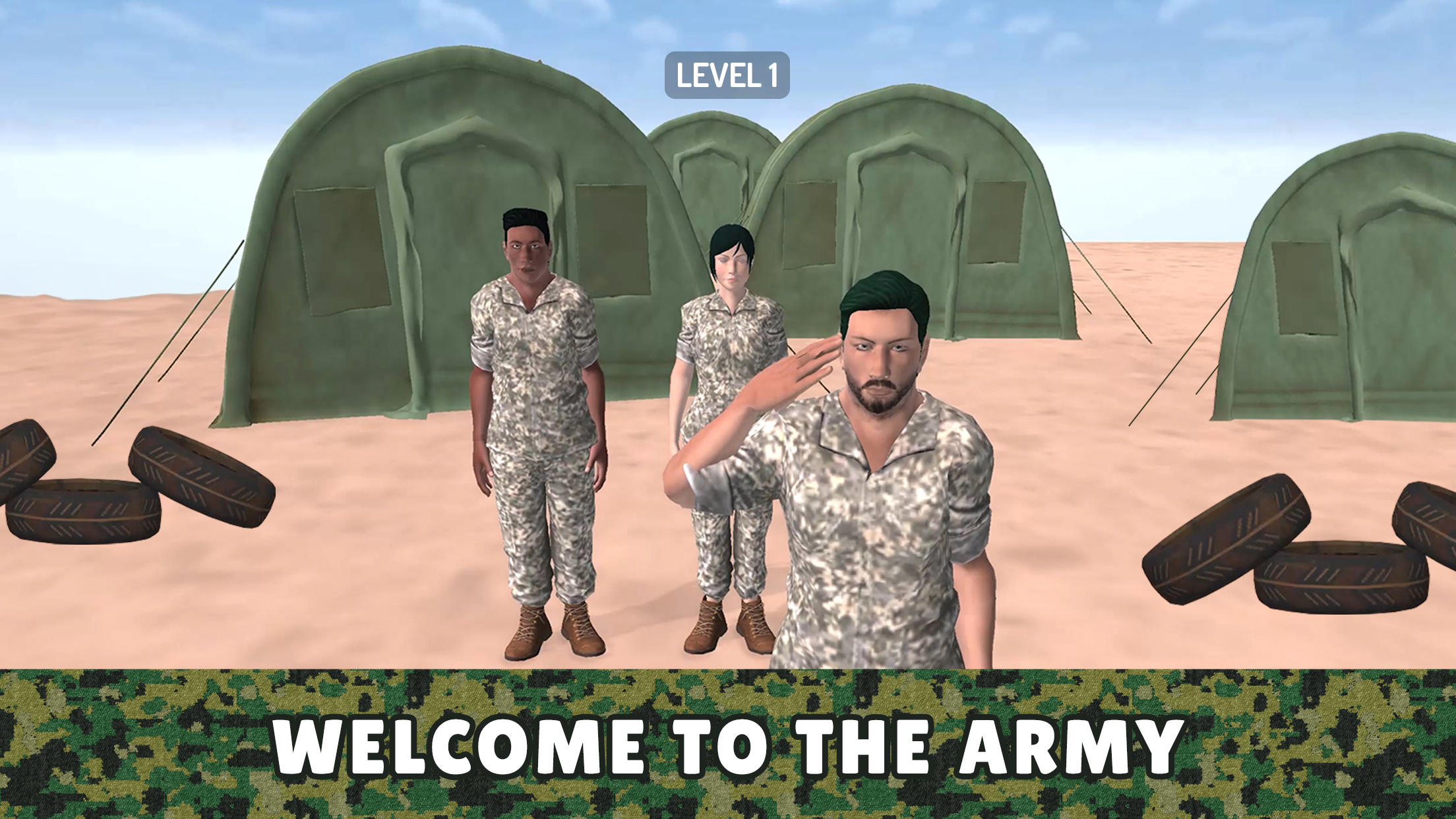
Understand the Training Mission Objectives
Military Academy 3D combines military training, progression, and battle-related activities. Its Google Play description identifies the military academy as the starting point of a storyline in which an aspiring soldier trains and rises through the ranks.
Training activities should be approached according to the objective displayed in the current mission. Different activities may require different actions, so there is no reliable universal button sequence that applies to every training challenge.
How to Approach Training Missions
- Enter the current training activity. Start the available activity from the game’s progression or mission interface.
- Read the objective. Check what the game asks your soldier to accomplish before attempting the activity.
- Identify the required action. Pay attention to the on-screen instructions and the interactive elements associated with the current challenge.
- Complete the requested activity. Follow the displayed instructions and perform the required actions rather than assuming every training section uses the same controls.
- Check the mission result. Confirm whether the game recognizes the objective as completed before moving on.
- Continue your progression. Once the activity is complete, follow the game’s available progression path to access further content.
What Kind of Game Progression Should You Expect?
The game’s official Google Play description presents a military career storyline. You begin as an aspiring soldier, train at the academy, and work toward becoming a US Army commander.
The broader experience also includes military battles and scenarios inspired by the two World Wars. This means the academy training theme is part of a larger progression experience rather than a standalone collection of unrelated exercises.
What If a Training Mission Does Not Complete?
If a mission does not register as finished, first check whether its displayed objective has actually been satisfied. Completing an action that looks correct is not necessarily the same as completing the specific task requested by the game.
- Read the objective again before repeating the activity.
- Check whether another required action remains unfinished.
- Follow any instructions displayed during the activity.
- Allow the game to register the result before leaving the mission.
Why You Should Follow the In-Game Instructions
Military Academy 3D contains different military-themed activities, and the available public descriptions do not document every training challenge or its exact control sequence. Following the objective shown in the game is therefore more reliable than using instructions intended for another military game.
Focus on completing the current task correctly and progressing through the academy storyline. As you advance, the game moves beyond basic training into its wider military experience.
For more Android game guides, tips, and tutorials, visit Android Game Guides.