Malody V Beginner Guide: Choose a Mode, Find Charts, and Improve Your Timing
Malody V is a cross-platform music game with several rhythm modes, online rankings, multiplayer rooms, and an in-game chart editor. New players may find the number of options confusing at first. The easiest way to begin is to choose one mode, learn its chart format, and practice at a comfortable pace.
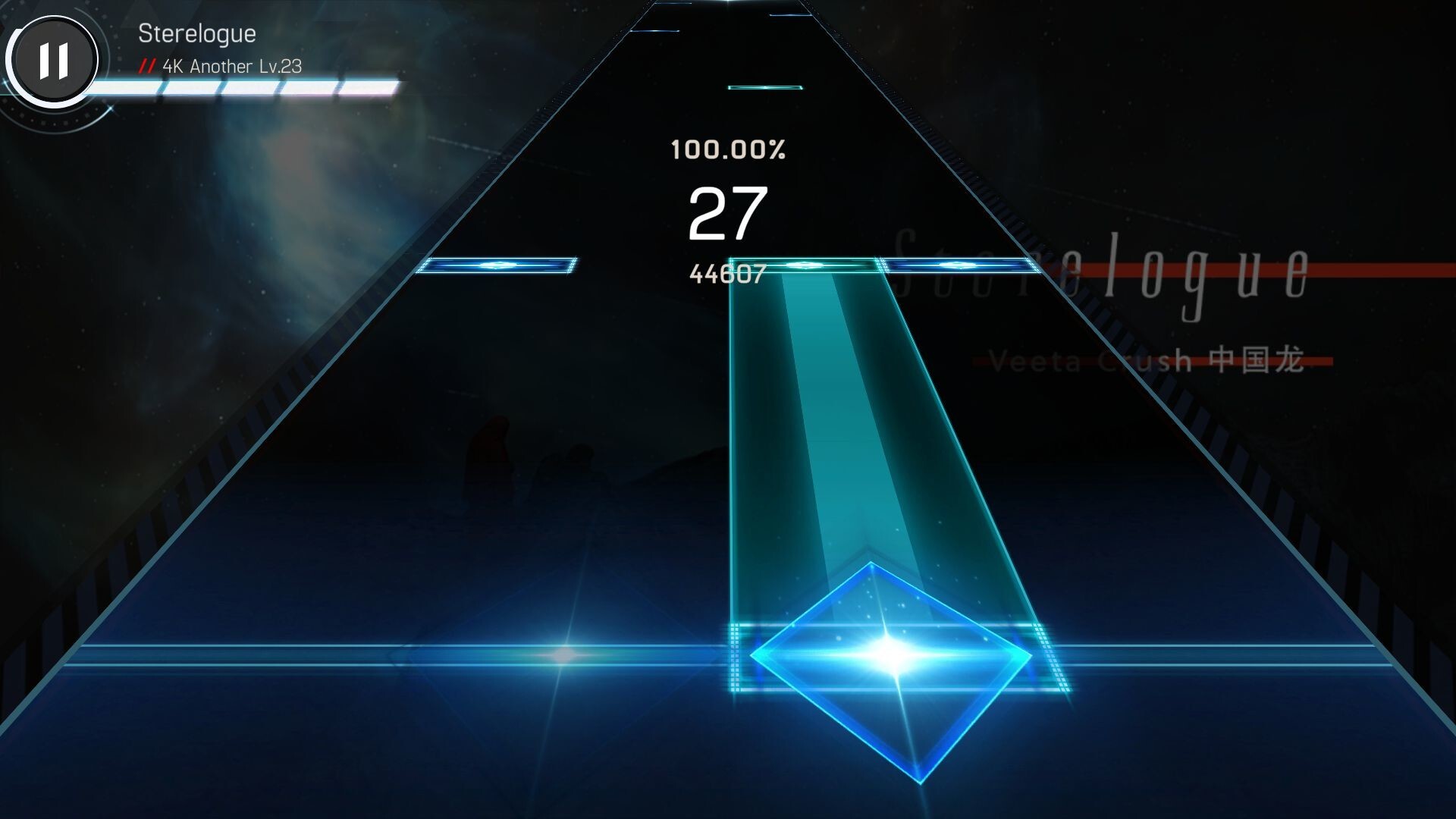
Understand the Available Rhythm Modes
Malody V supports seven modes: Key, Catch, Pad, Taiko, Ring, Slide, and Live. Each mode provides a different rhythm-game format, so players can choose the style they prefer instead of learning every mode at once.
- Key: A keyboard-style rhythm mode.
- Catch: A separate catch-based rhythm format.
- Pad and Taiko: Additional rhythm formats with their own chart styles.
- Ring and Slide: Other supported ways to play rhythm charts.
- Live: Another supported game mode.
Start with one mode and spend time learning its note patterns. Switching between several modes too early can make it harder to understand each chart’s rhythm and controls.
Choose Charts That Match Your Current Skill
Charts are the playable music patterns that determine when and how notes appear. Malody V supports several chart formats, including osu, SM, BMS, PMS, MC, and TJA.
When selecting a chart, begin with a difficulty that lets you follow the rhythm without constantly missing notes. Focus on consistent timing rather than trying to achieve a perfect score immediately.
Improve Timing Through Consistent Practice
Rhythm accuracy depends on recognizing note patterns and responding at the correct moment. Watch the approaching notes and learn how their movement relates to the judgment area.
- Practice short sections before attempting difficult charts.
- Listen to the music instead of relying only on visual movement.
- Pay attention to repeated patterns and changes in rhythm.
- Repeat charts that help you identify timing mistakes.
Do not increase difficulty after every attempt. First build a reliable sense of timing in your chosen mode.
Explore the Chart Editor and Multiplayer Features
Malody V includes an in-game editor for creating and sharing charts. It also supports multiplayer rooms across its available modes and provides online rankings.
After becoming familiar with a mode, you can explore the editor to understand how music charts are created. Multiplayer rooms offer another way to play with friends, while online rankings provide a place to compare results.
Frequently Asked Questions
How many modes does Malody V support?
It supports Key, Catch, Pad, Taiko, Ring, Slide, and Live.
Can beginners create their own charts?
Yes. Malody V includes an in-game chart editor for creating and sharing charts.
Does Malody V support multiplayer?
Yes. Players can use multiplayer rooms across the supported modes.
Which chart formats does Malody V support?
Supported formats include osu, SM, BMS, PMS, MC, and TJA.
Learning one rhythm mode at a time is a practical way to understand Malody V. Visit androidgameguides.com to explore more Android game guides and related gaming content.