How to Unlock New Characters in Lazy Jump 3D
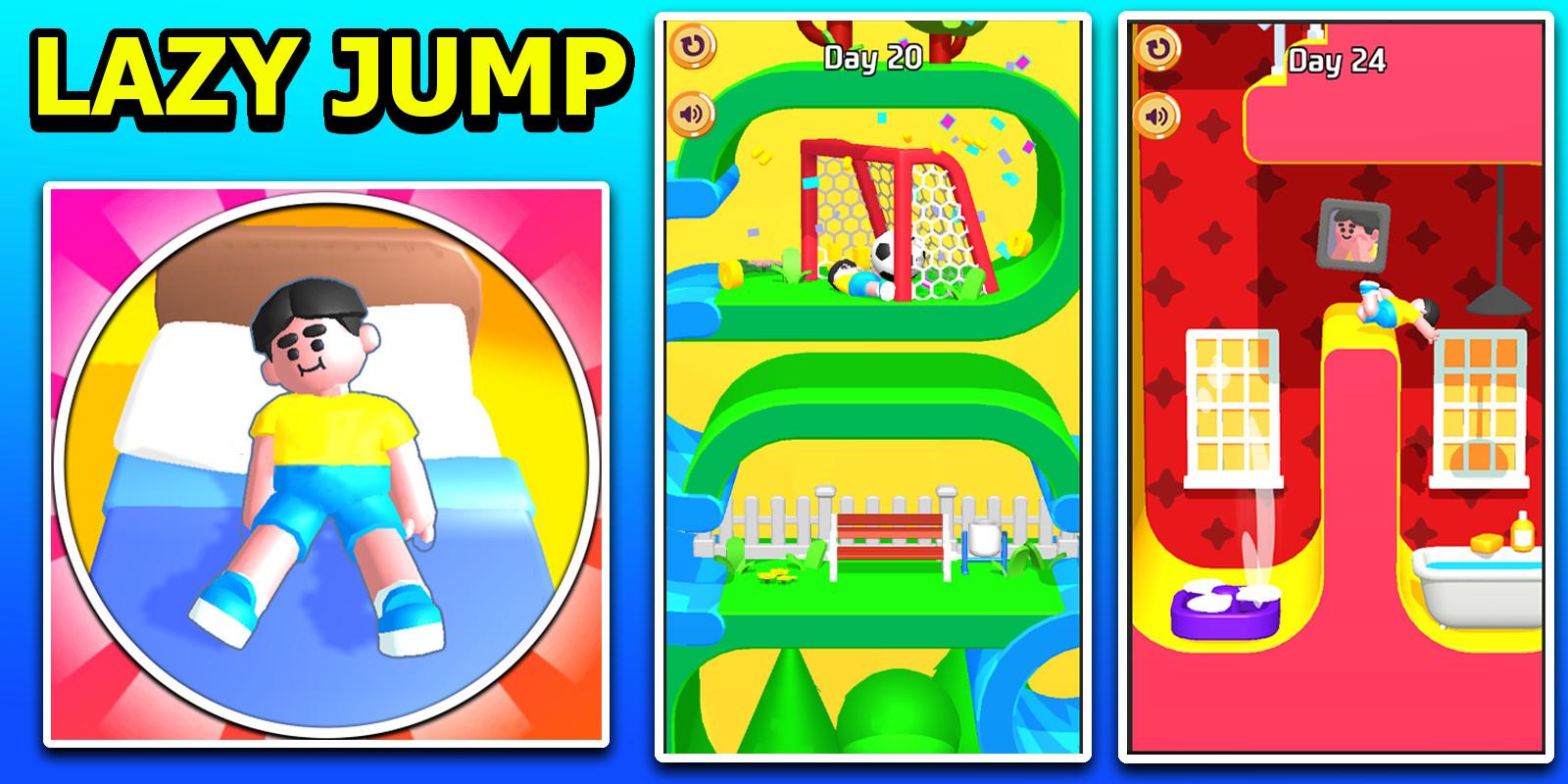
Lazy Jump uses ragdoll-style movement. You guide a flexible character through levels and try to reach each goal. If you want to use different characters, check the character options and reward prompts available as you play.
Open the Character Selection Area
Start by checking the character or skin menu. Review the characters that are already available and look for locked options. If a character has a requirement, read the message shown beside it before trying to unlock it.
Some versions may offer a reward prompt when you select a locked character. Check whether the game displays an advertisement reward or another condition.
Look for Optional Reward Offers
Player reports on the Google Play listing have described an option to obtain a new character by watching an advertisement. If this offer appears in your version, follow the on-screen instructions and wait for the reward to complete.
- Open the character selection screen.
- Select a locked character to check its requirement.
- Look for an available reward or advertisement option.
- Wait until the reward process finishes before leaving the screen.
Keep Playing and Check New Rewards
Continue completing levels and review the menus after making progress. The game may present character offers at different points. Do not assume that every character uses the same unlock method.
If an advertisement button does not respond, return to the game later and check whether the offer is available again. Avoid repeatedly tapping a button that is not working.
Why a Character May Stay Locked
Character availability can depend on the current version and the reward system shown in your game. If no unlock option appears, the character may not be obtainable through your current menu. Use the displayed instructions rather than relying on an outdated list.
FAQ
How do I unlock new characters in Lazy Jump?
Check the character menu for available reward options. Some player reports describe ad-based character rewards.
Do I need to complete a specific level?
There is no reliable universal level requirement for every character. Check the condition shown in your game.
Are all characters free?
Character availability and reward conditions can vary. Review the current in-game options.
For more casual game guides and Android tips, visit AndroidGameGuides.