How to Change Controls in Twist Hit! on Android
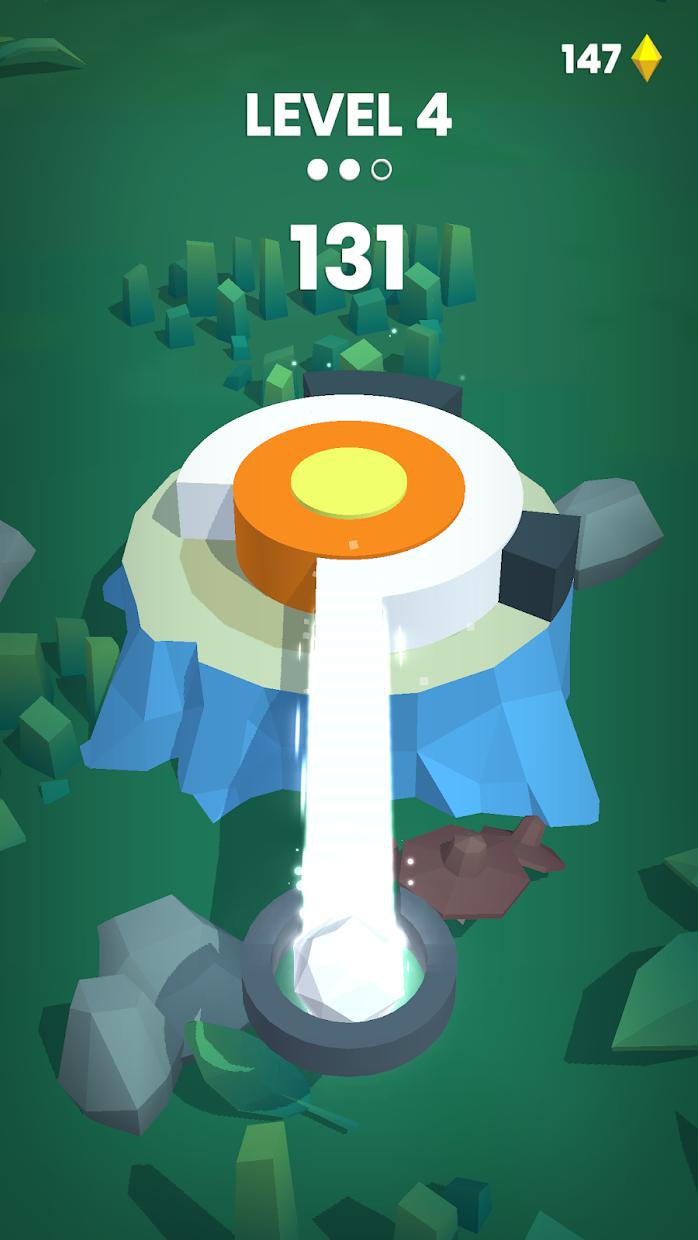
Twist Hit! is a casual arcade game in which players fill rings around trees while avoiding obstacles. The official game description identifies its main input as holding the screen to fill a ring.
Can You Change the Controls?
The game is described as having simple controls. Available information does not confirm a custom button layout or control-remapping feature.
How to Use the Controls
- Start a level and observe the rotating or moving obstacles.
- Press and hold the screen to fill the ring.
- Release your finger when an obstacle is about to block the path.
- Wait for a safe opening before holding again.
How to Check for Control Options
Open the game’s settings and look for touch or control options. If no such option is available, the hold-and-release mechanic is the intended control method.
Tips for Better Timing
Do not keep holding the screen without watching the obstacles. Short, well-timed holds can help you avoid hitting an obstacle while filling the ring.
Final Thoughts
Twist Hit! uses a simple hold-and-release touch mechanic. No full control-remapping option has been confirmed.
Find more casual Android game guides at androidgameguides.com.