How to Change Controls in Pokémon: Magikarp Jump
Pokémon: Magikarp Jump is a mobile raising game with simple touch interactions. Players manage Magikarp, collect food, use training, and enter jumping leagues. If you want to change the controls, first understand the difference between gameplay input and general settings.
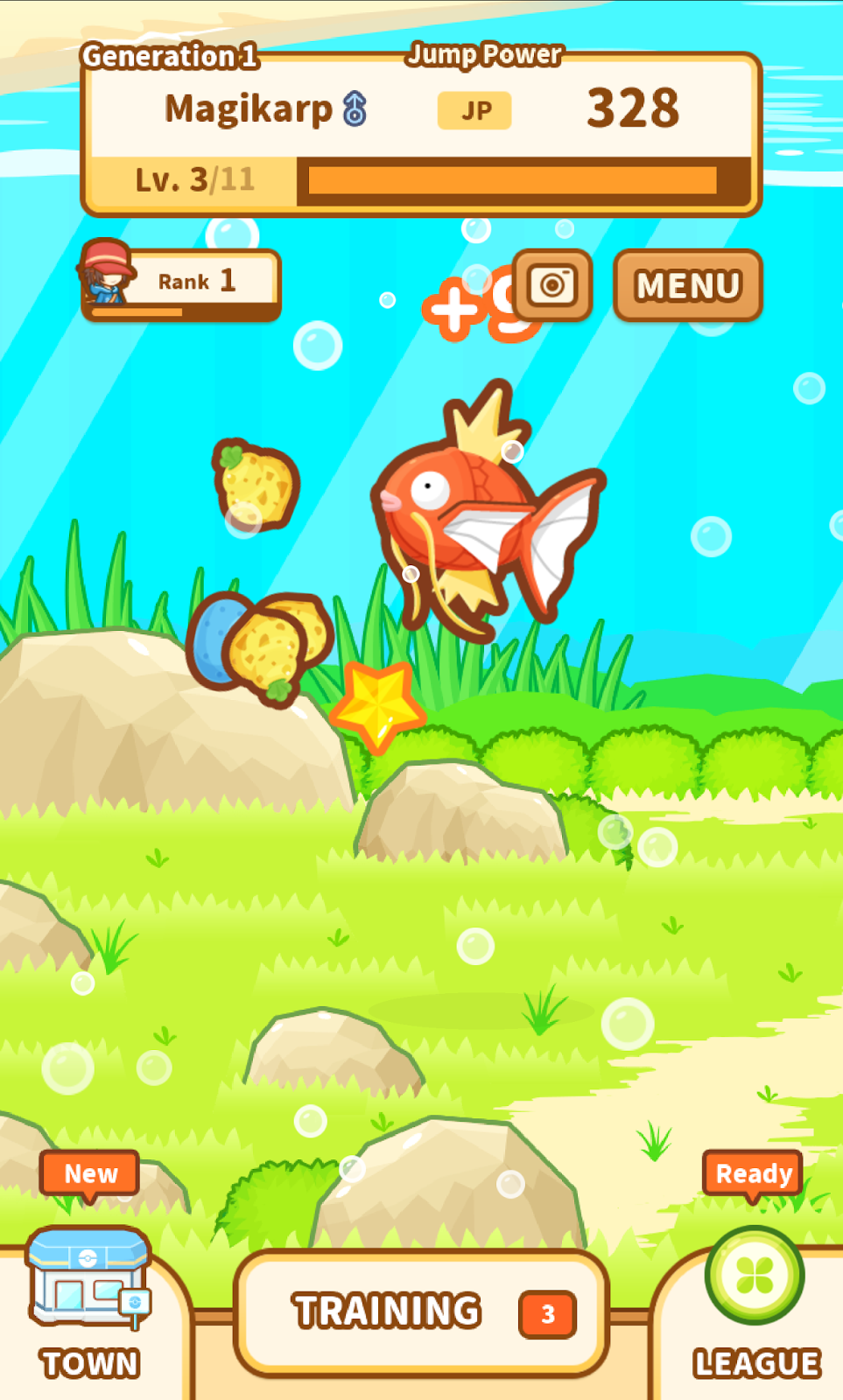
Understand the Default Touch Controls
The game uses touch interactions for its main activities. Players tap food in the pond and interact with the available training and menu options. The official support information does not describe a customizable button layout.
Open the Settings Menu
Pokémon: Magikarp Jump includes a Settings entry in its in-game menu. Open the menu and select Settings to review the options available in your installed version.
Do not confuse general settings with control remapping. The existence of a Settings menu does not mean that the game supports moving or changing gameplay buttons.
Change Device-Level Touch Settings
If you have difficulty tapping small areas, check your Android device’s accessibility settings. Touch and interaction options may help with general device use, but they are not confirmed in-game control features.
FAQ
Can I remap Magikarp Jump controls?
Customizable gameplay button mapping is not documented in the available official support information.
Does the game have a Settings menu?
Yes. The game’s menu includes a Settings entry.
Where can I find more Android game guides?
Visit androidgameguides.com for more Android gaming information.