Magic: The Gathering Arena Beginner Guide for Android – How to Learn the Card Game
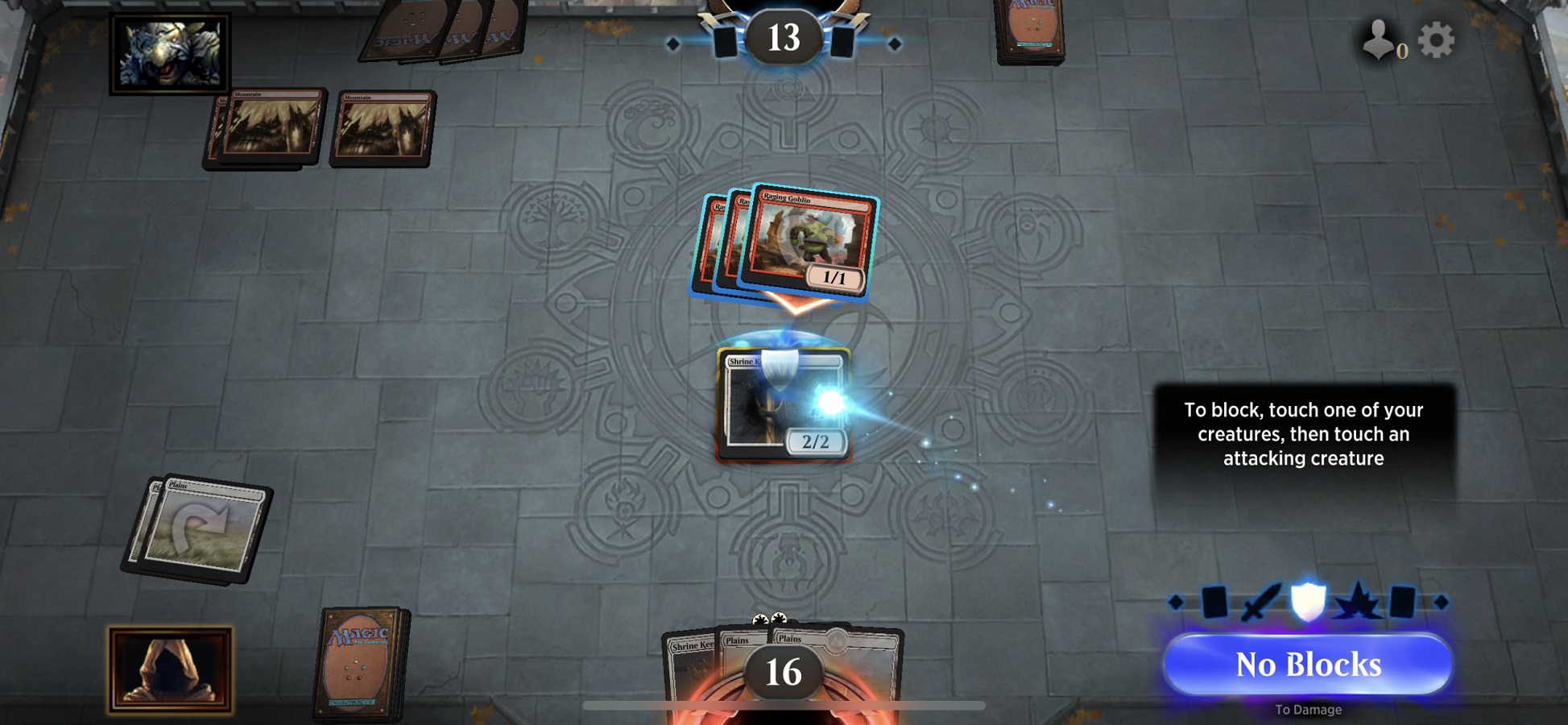
Magic: The Gathering Arena is a digital collectible card game based on the Magic: The Gathering trading card game. Players collect cards, build decks, cast spells, and battle other players. Android beginners should start with the tutorial and learn how the five colors of mana support card play.
Complete the New Player Tutorial
The official Magic website recommends completing the tutorial to learn the basic rules. The tutorial introduces different playstyles and helps you understand how to use cards during a match.
You can also meet Sparky, an AI guide that teaches basic gameplay. Take time to learn the main actions before moving into more competitive formats.
Learn About Mana and Card Types
MTG Arena follows the rules of the tabletop Magic card game. Players use decks that generate five colors of mana. Cards consume mana to summon creatures, cast defensive or offensive spells, and activate effects or special abilities.
- Learn how mana is used to play cards.
- Understand how creatures enter the battlefield.
- Review the purpose of defensive and offensive spells.
- Read card effects before making a move.
Unlock Starter Decks Through the Color Challenge
The Color Challenge introduces different Magic colors and playstyles. Wizards of the Coast states that new players can unlock fourteen unique starter decks through this activity.
Try the available decks and learn how their cards work together. This gives you a starting collection before you begin building your own strategy.
Explore Game Modes
MTG Arena offers several ways to play. These include Starter Deck Duels, ranked PvP, tournaments, Draft, Midweek Magic, and Jump In! events.
Standard is identified by the official getting-started guide as a format suitable for new players. It uses cards from recently released Magic sets, so it is a useful format for learning a changing card environment.
Understand Mobile Play Mode Access
On some mobile installations, players may initially see only Color Challenge or Bot Match. Wizards’ support guide explains that other play modes can be unlocked from the Options menu, under Account, by selecting Unlock Play Modes.
FAQ
Is MTG Arena suitable for beginners?
Yes. It includes a tutorial and beginner activities such as the Color Challenge and Starter Deck Duels.
How many starter decks can you unlock through Color Challenge?
The official website lists fourteen unique starter decks.
Why are some play modes missing on mobile?
Some installations initially show only Color Challenge or Bot Match. You can use the Unlock Play Modes option in the account settings.
For more Android collectible card game guides, visit androidgameguides.com.