Upwords Guide: Tips for Avoiding Illegal Tile Moves
Upwords is a word game where players build words by placing letter tiles on a board. Unlike a standard word grid, players can also stack letters on existing tiles to change words.
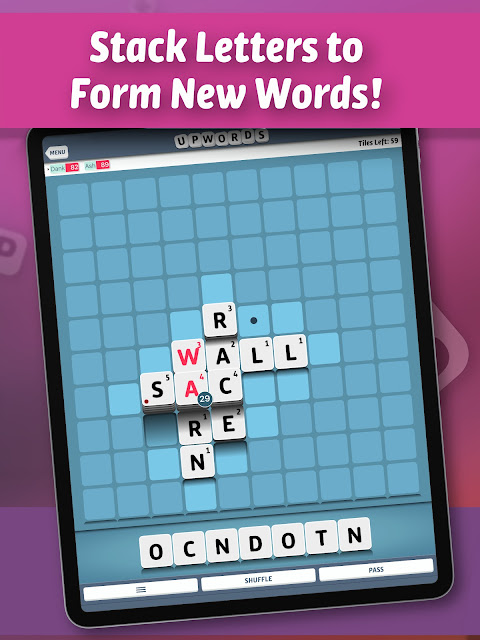
Do Not Stack More Than One Tile on the Same Stack Per Turn
The published Upwords rules limit how many tiles you can add to one stack during a turn. You cannot place more than one letter on the same stack in a single turn.
Check the Height of Each Stack
A stack cannot be more than five tiles high under the published rules. Before placing a letter, check the height of the existing stack.
- Do not place a letter on an identical letter.
- Do not build a stack higher than five tiles.
- Do not cover every letter in an existing word when changing it.
- Make sure the new arrangement forms valid words.
Keep Part of the Original Word Visible
When changing an existing word by stacking letters, at least one letter from the old word must remain uncovered and be used in the new word. This rule prevents a player from hiding the entire original word under new tiles.
Think Before Placing a Tile
A move can create a new word and change an existing word at the same time. Check every affected word before you commit to a move. This helps you avoid an invalid placement and protect your scoring opportunities.
FAQ
How high can an Upwords stack be?
The published rules set a maximum height of five tiles.
Can you cover an entire word?
No. At least one letter from the original word must remain uncovered and be used in the new word.
For more word-game guides, visit androidgameguides.com.