Unsolved Case Best Strategy for Co-Op Mode
Unsolved Case is built around two-player cooperation. The two detectives do not see exactly the same clues, so solving a puzzle depends on sharing information. A strong co-op strategy starts with communication, not random guessing.
Share What Each Player Can See
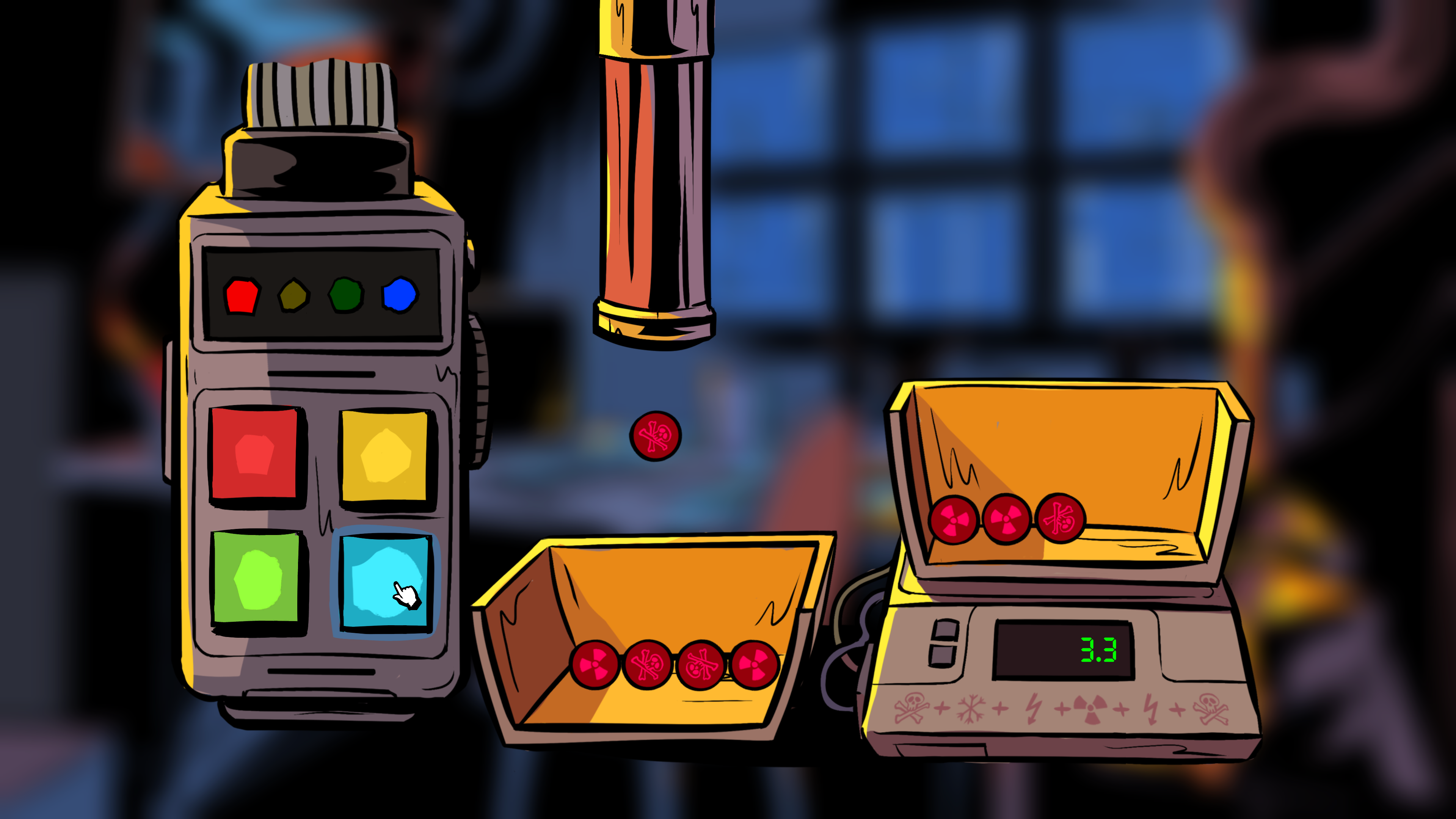
Each player receives a different part of the puzzle at a location. One screen may contain an object, symbol, or detail that the other player cannot see. Describe the important details clearly before trying a solution.
- Tell your partner what objects are visible.
- Read numbers, symbols, and short messages aloud.
- Explain where an item appears on your screen.
- Compare both screens before entering a code.
Do not assume that both players have the same information. A clue that seems incomplete on one device may make sense when combined with the other player’s view.
Use Notes to Track Clues
The game allows players to use a notebook and write on the environment. Use this feature to record codes, symbols, and possible connections. Writing information down can prevent repeated guesses and make it easier to compare details.
Keep notes short and organized. For example, separate confirmed numbers from possible answers. This helps both players avoid treating an untested idea as a solved clue.
Use Hints Only After Discussing the Puzzle
Every puzzle has built-in hints. Open the puzzle close-up and select the Hint option in the top-right corner. Early hints provide direction, while the final hint usually reveals the solution.
Before using a hint, discuss the puzzle with your partner. The missing information may already be visible on the other player’s screen. If you still cannot make progress, use the hint system to move forward.
Frequently Asked Questions
Can Unsolved Case be played in single-player mode?
The game is designed as a co-op experience. The developer does not describe it as a standard single-player game.
Do both players see the same clues?
No. The detectives are separated and receive different information, which they must communicate to solve the puzzles.
Where are the hints?
Open a puzzle close-up and select Hint in the top-right corner.
For more mobile game information and guides, visit androidgameguides.com.